July 9th, 2026
New
Improved
App
Firmware
Release notes — Nuwa+ app v0.6.20+ / Firmware 5.1.4.8
What's new
Ink Engine v0.6
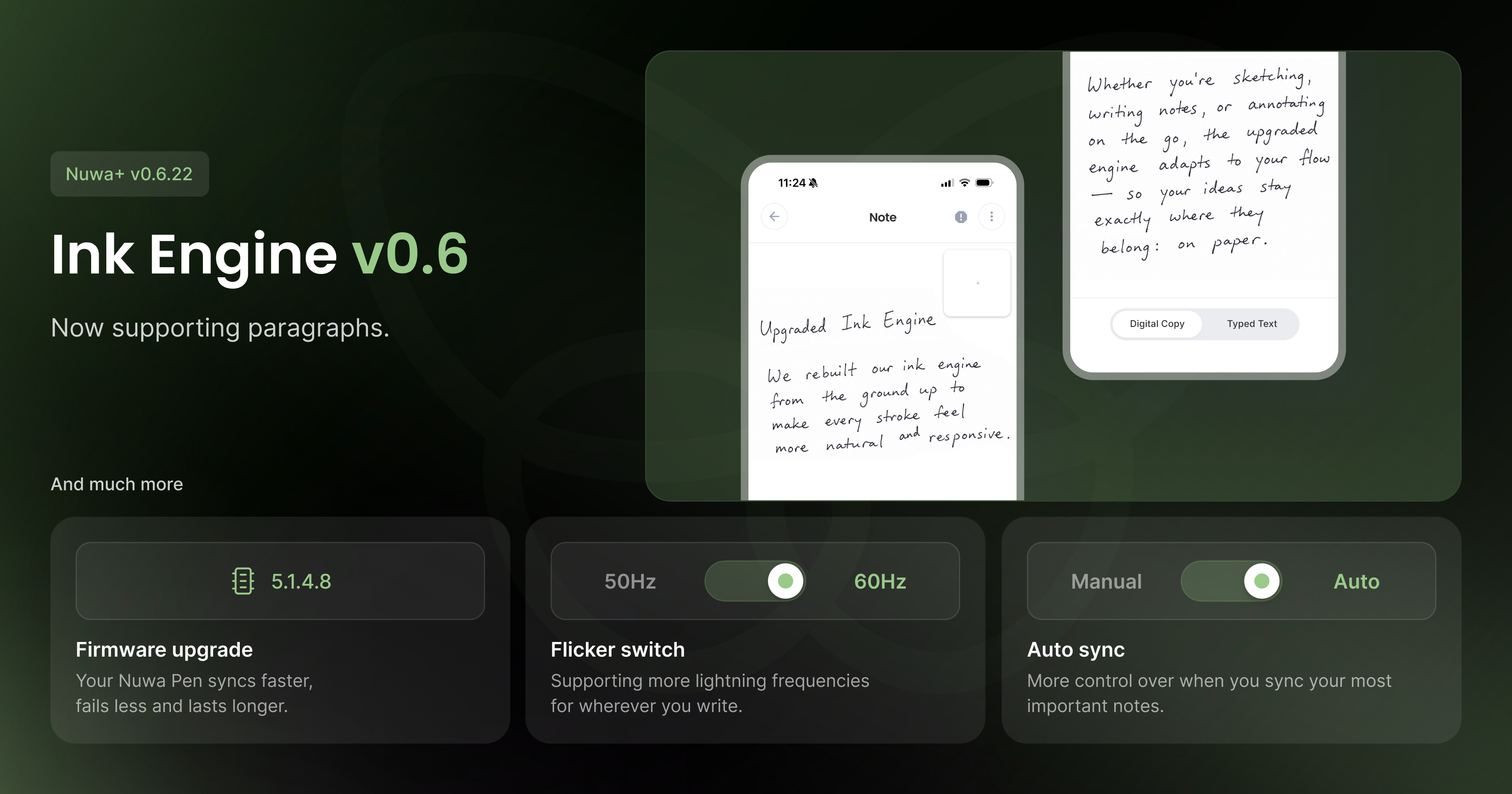
We're introducing Ink Engine v0.6, the algorithm that generates your Digital Copy from raw pen strokes. This version brings better accuracy on multi-line notes and a closer, truer match to your actual handwriting.
New firmware: 5.1.4.8
This is our most stable firmware release yet. It includes a fix for a memory write bug that could corrupt stored notes, a fix for a stack overflow that could cause unexpected pen crashes mid-write, and improved memory handling overall, including a more reliable memory erase process. Battery performance has also been improved.
Rock-solid BLE connectivity
Bluetooth syncing is significantly more reliable across both platforms. Expect fewer dropped connections and smoother syncing between your pen and the app.
New modes
Two new modes give you more control over how your pen operates:
Auto-Sync — automatically sync notes in the background without thinking about it
Flicker Mode — a new camera filter setting, configurable from general settings
Small things worth mentioning
Tabbed pen settings, the new in-app support sheet, and the overhauled setup flow from recent updates are all included in this release.
May 4th, 2026
New
Improved
App
Release notes — Nuwa App v0.6.15
What's new
On-device transcription (Model 3)
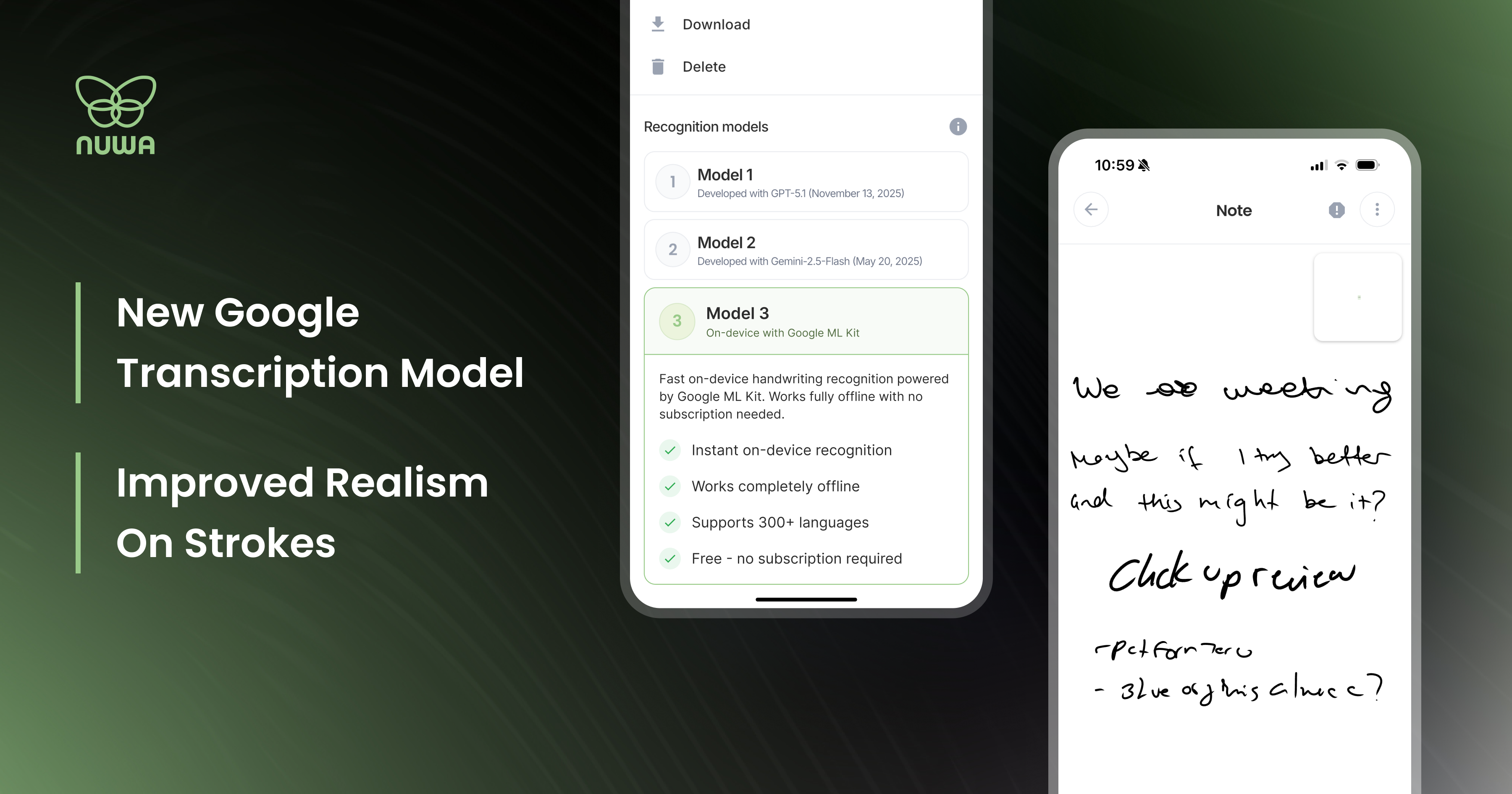
We now support offline handwriting recognition via Google ML Kit, and it's unlike the other two models. Instead of sending your writing to the cloud, everything runs locally on your phone. More importantly, it uses online handwriting recognition, which means it reads the trajectory of each stroke as you write, rather than analyzing a static image after the fact. The result is a fundamentally different approach to recognition, one that may work significantly better or worse depending on your handwriting style. Worth testing.
To try it: open any note, tap the three-dot menu in the top right, and switch between models 1, 2, or 3. Model 3 is the on-device Google ML Kit engine.
Tapered strokes
Your handwriting in the app now looks like your handwriting. Strokes taper at the start and end of each mark, much closer to how ink actually behaves on paper. It's a subtle change that makes a real difference when reading back your notes.
Bug fixes and stability improvements are included in this build.
To everyone in the alpha who's been filing reports: thank you to all you brave souls!
April 8th, 2026
New
Improved
Fixed
App
Firmware
Release notes — Nuwa Pen v5.1.2.0 + Nuwa+ App v0.6.12
What's new
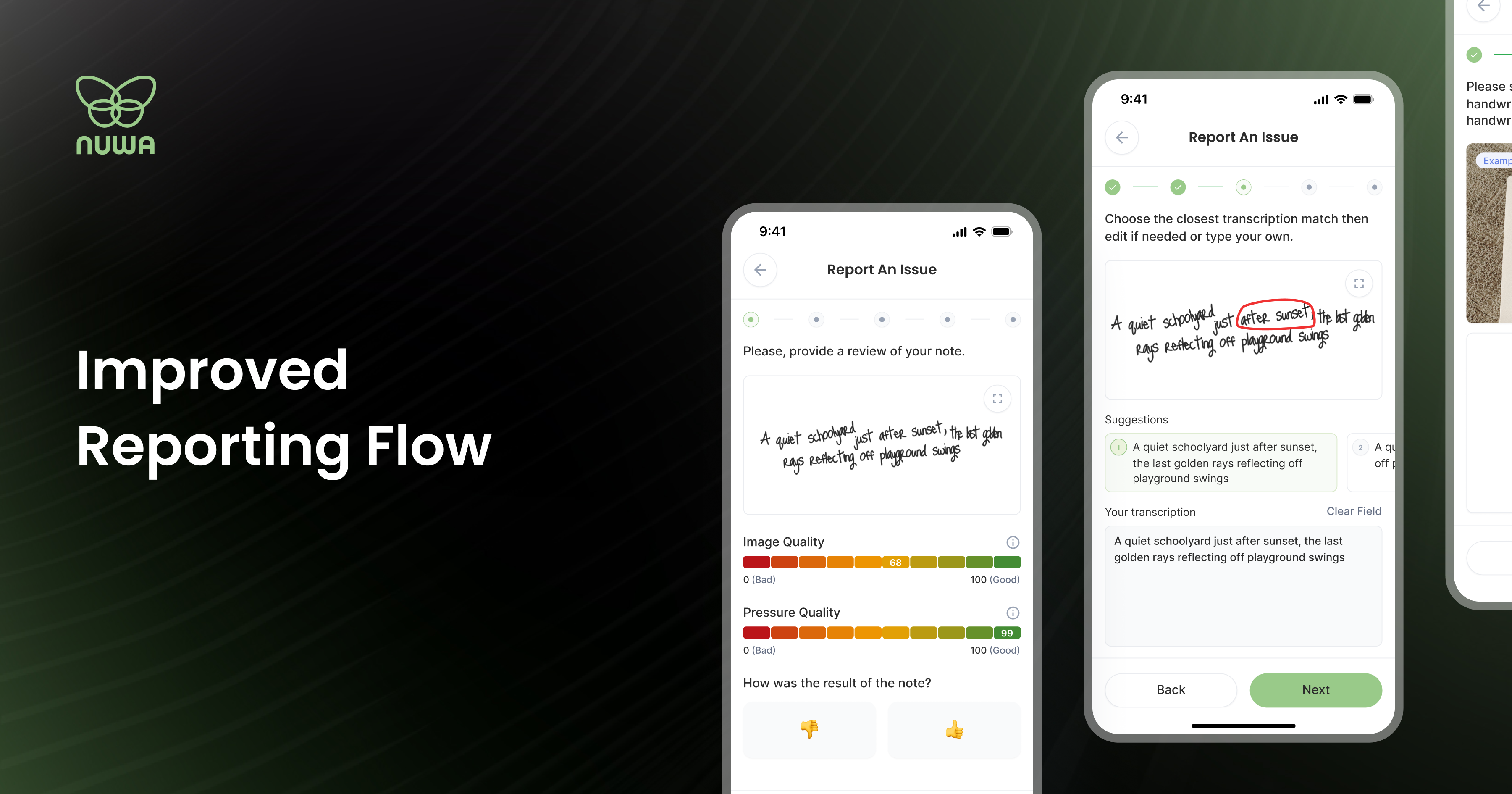
This release introduces the Note Report 2.0 flow, a new way for you to send us your handwriting samples directly from the app. Tap any note, hit the report icon (!), attach images of your writing, and submit. That's it. Every report goes straight to our team and helps us improve recognition accuracy for your specific handwriting. The more reports we get, the faster the pen gets smarter. Reporting is supporting.
Watch a quick video walkthrough here: How do I report a note?
Bug fixes and improvements
Bluetooth connectivity has been overhauled. The reconnection loop that plagued backgrounded sessions is gone, and connection stability is significantly more consistent across the board.
Note resync now works as intended. The "Try Again" button previously skipped failed transfers rather than retrying them. Fixed.
Redesigned screens
The Pen Settings screen has been rebuilt from the ground up for easier navigation. Firmware update details are now visible before you commit to installing, so you know what you're getting.
Small things worth mentioning
Rename your pen immediately after pairing. And a new "Tap to Connect" button makes the pairing flow faster.
To get these updates, update the app on iOS and Android and follow the on-device firmware instructions. Questions or feedback? Email us at team@nuwapen.com to book a call or ask any question on your mind.